
Important Note Regarding Hardware
The UTE MSR206 hardware device is NOT INCLUDED with the SwiperX software purchase. You must purchase the MSR206 hardware separately from authorized distributors. The software is designed specifically for the UTE MSR206 series magnetic stripe reader/writer devices.
Reference: ute.com/us/products/detail/MSR206
-
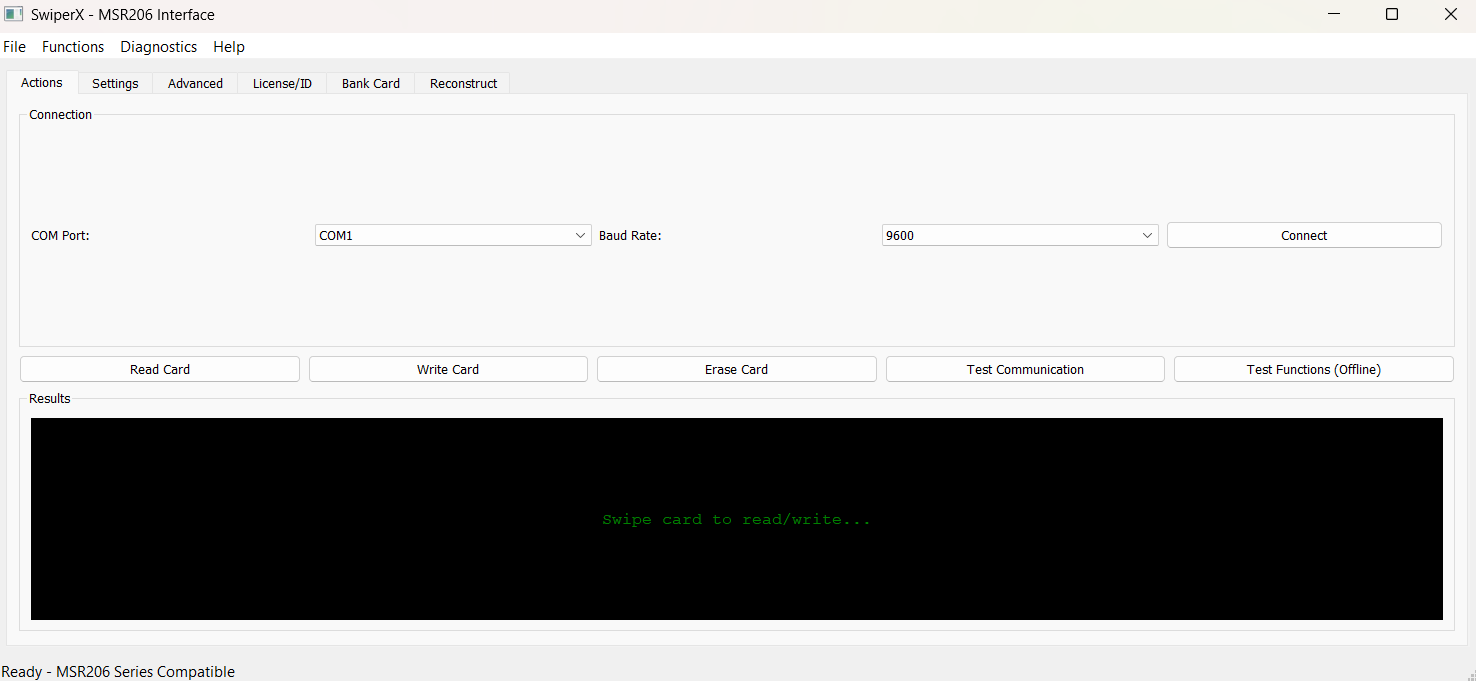
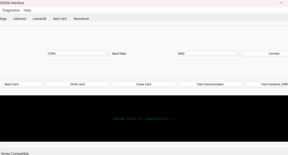 Figure 1: Main Actions Tab
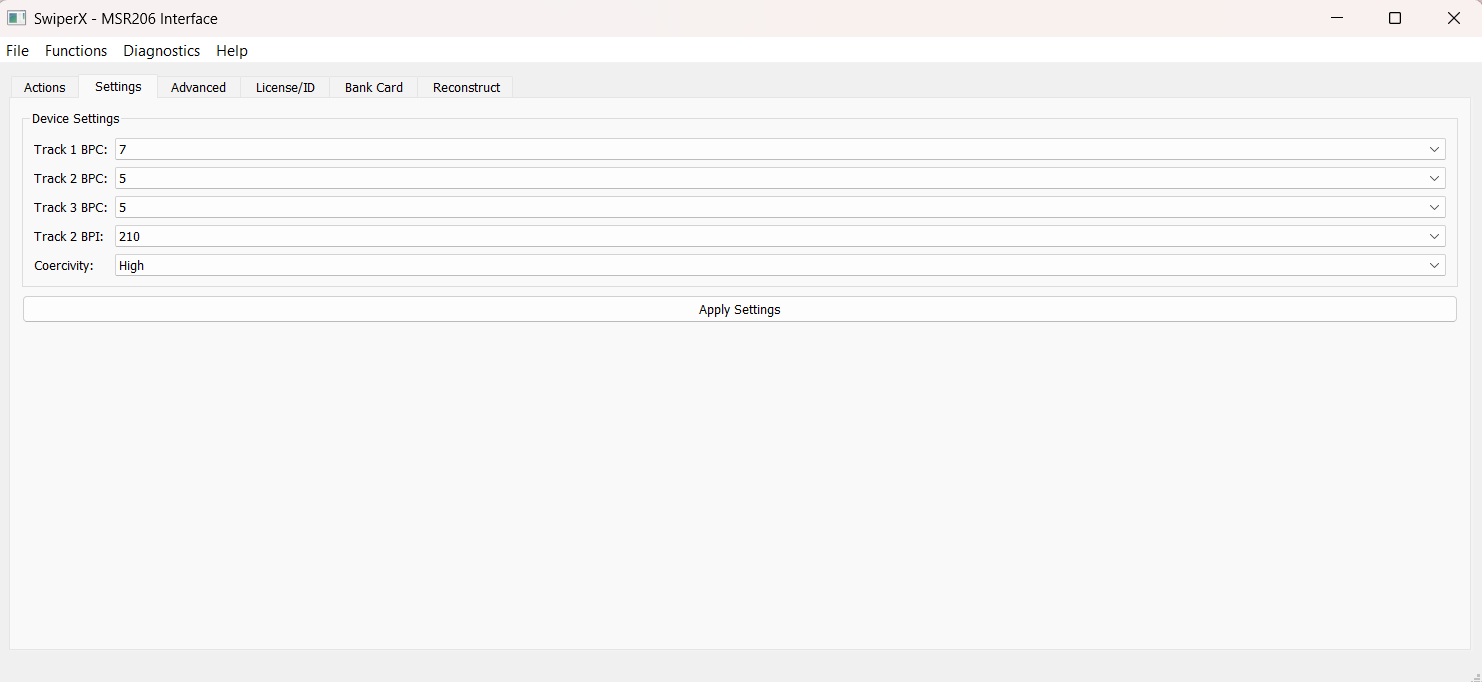
Primary control panel with COM/baud settings, Read/Write/Erase functions, communication testing, and track data display with real-time status updates.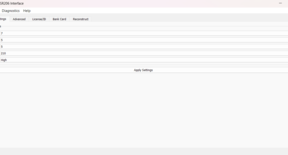 Figure 2: Settings Tab
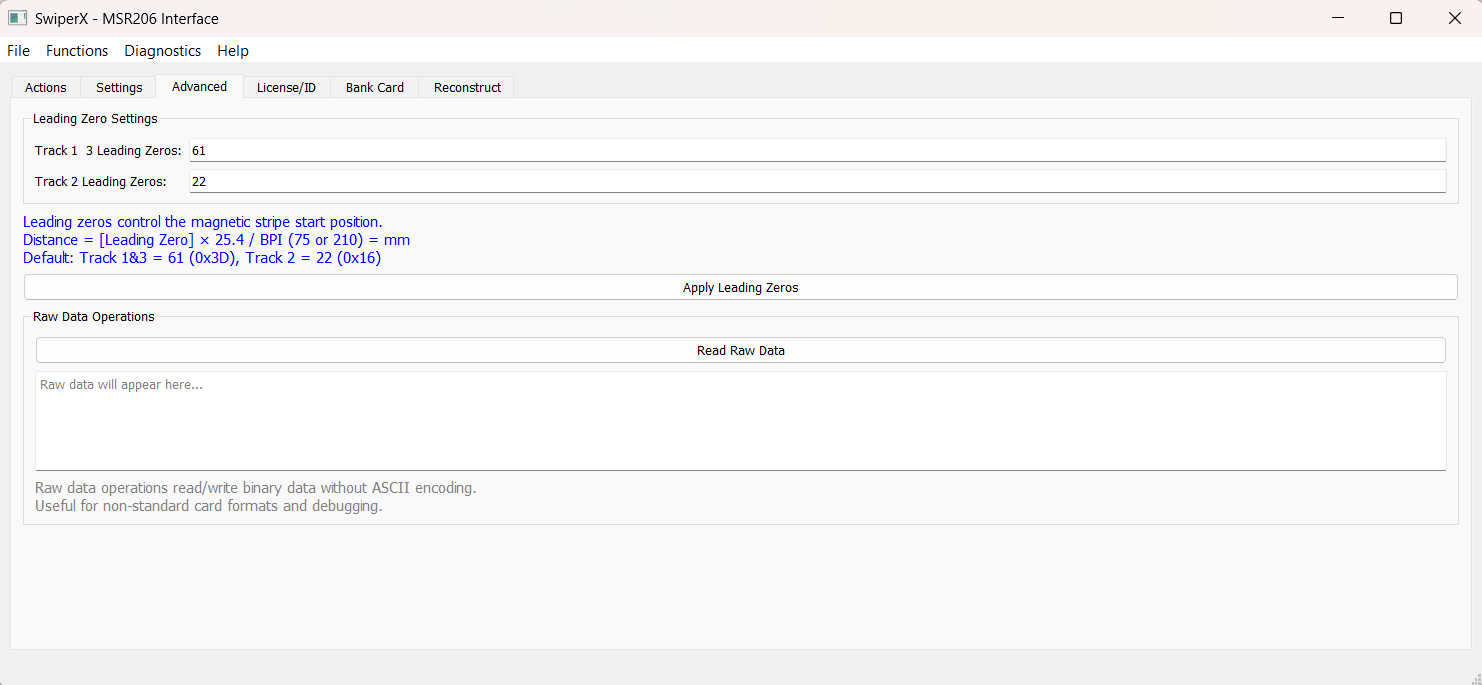
Configure BPC (5-8 bits per track), BPI density (75/210 for track 2), and coercivity (High/Low). Instant apply functionality.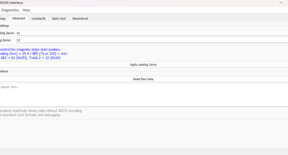 Figure 3: Advanced Settings
Leading zero configuration (tracks 1/3: 61 dec, track 2: 22 dec), raw binary data operations, and hex data display for debugging. -
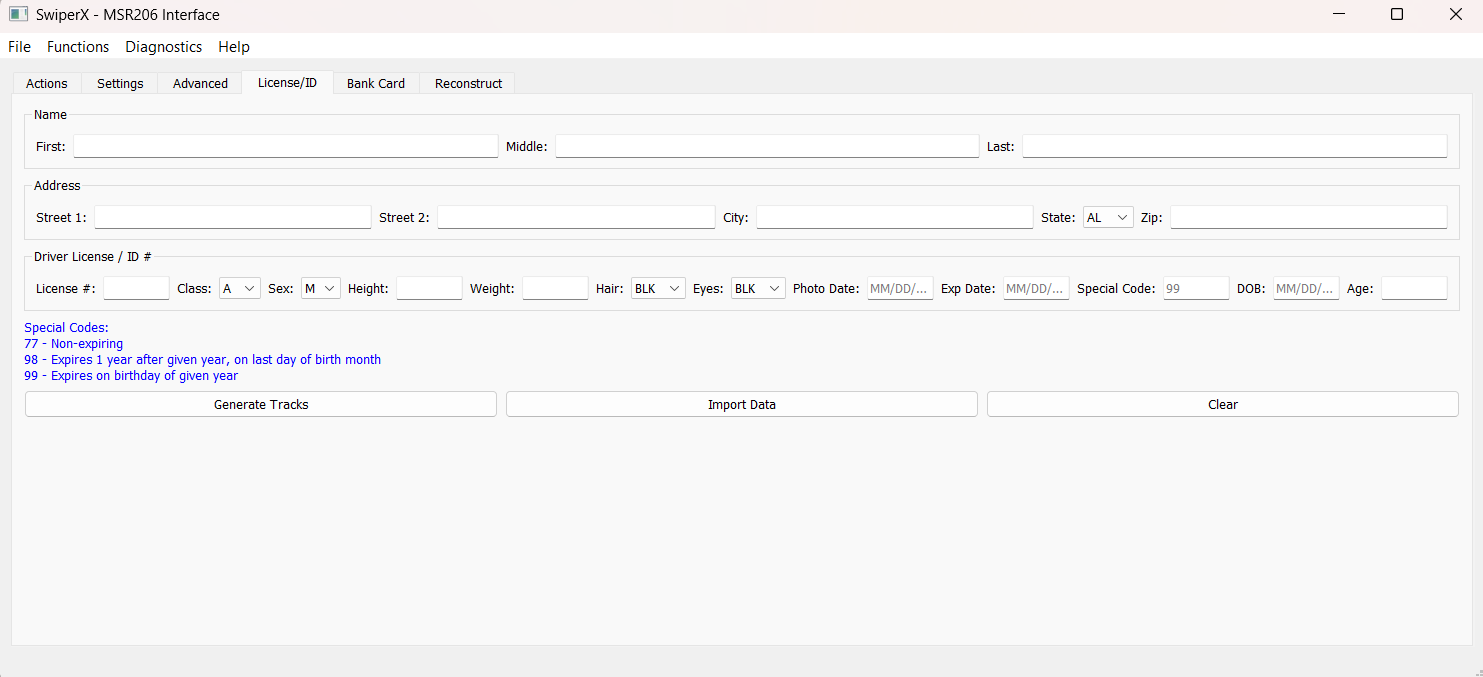
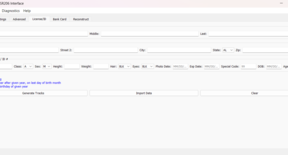 Figure 4: License & ID Management Tab
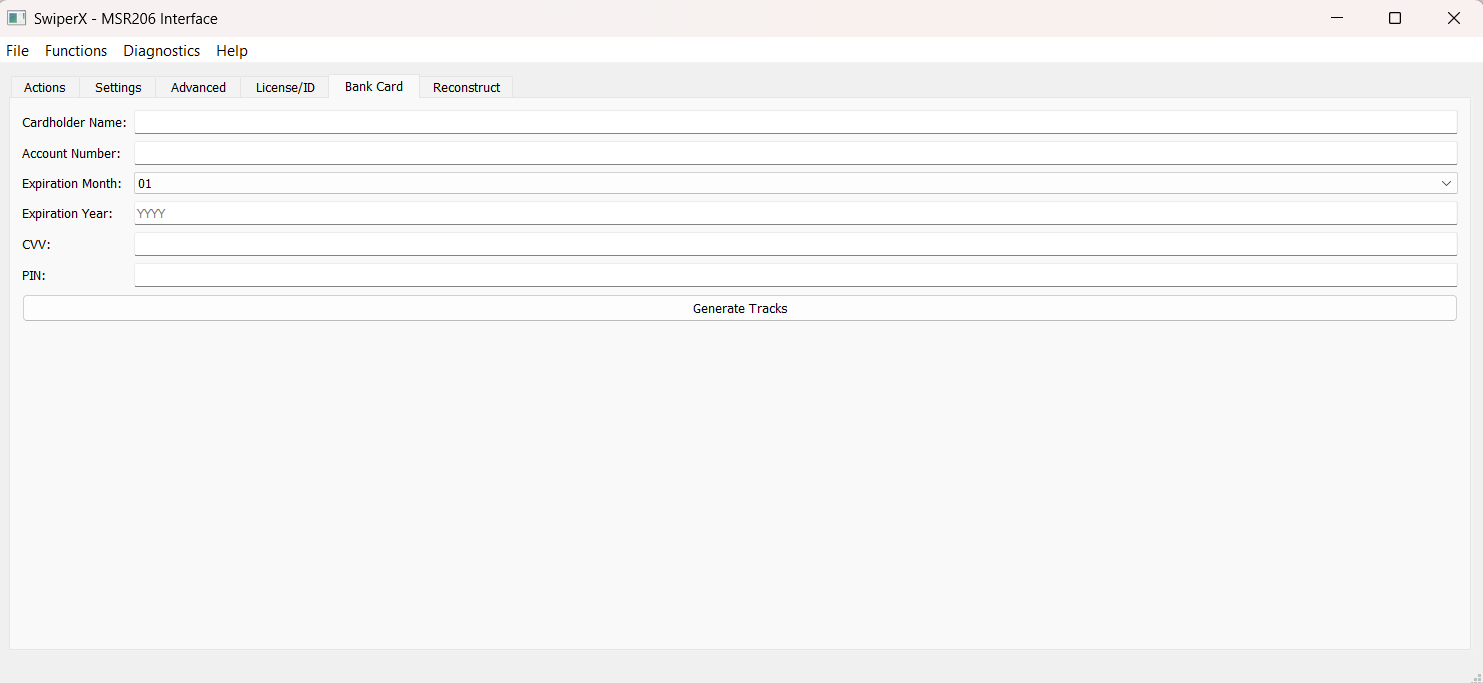
Complete driver's license/ID data entry: personal info, physical descriptors, license details, and special expiration codes (77,98,99).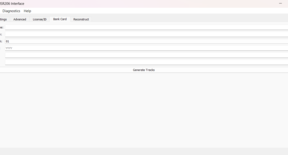 Figure 5: Bank Card Formatting Tab
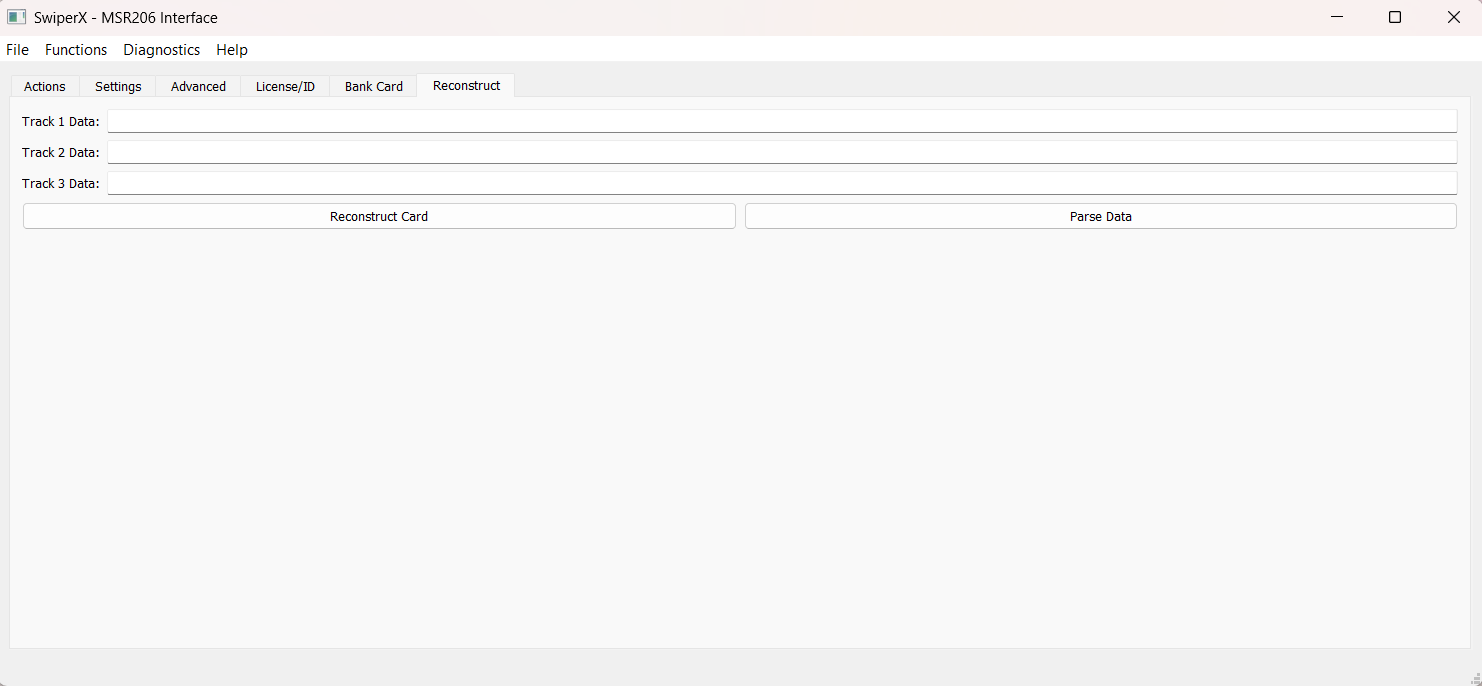
ISO 7811-compliant financial card formatting with name, account, expiration, CVV, PIN fields. Auto-formats to track 1/2/3.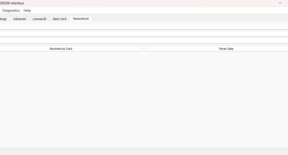 Figure 6: Data Reconstruction Tab
Manual track data entry and parsing tool. Direct input of track strings, data extraction, and write for duplication/recovery. -
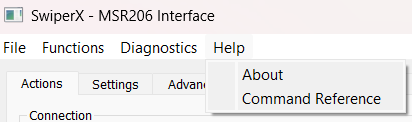
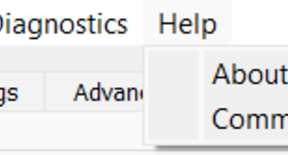 Figure 7: Help Section (about/cmd reference)
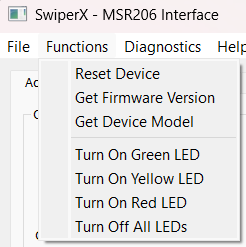
Complete MSR206 hardware command reference with explanations and examples for advanced users.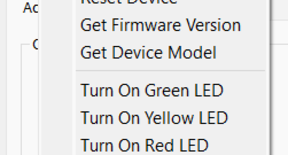 Figure 8: Device Functions
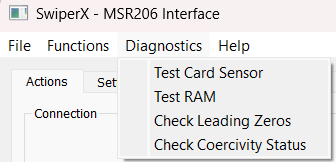
Device management: hardware reset, firmware detection, model identification, and LED controls (green/yellow/red/all-off).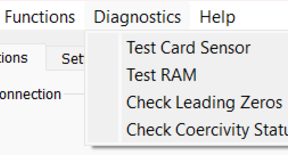 Figure 9: Diagnostics Information
Hardware testing: card sensors, RAM integrity, leading zero checks, and coercivity status monitoring for troubleshooting. -
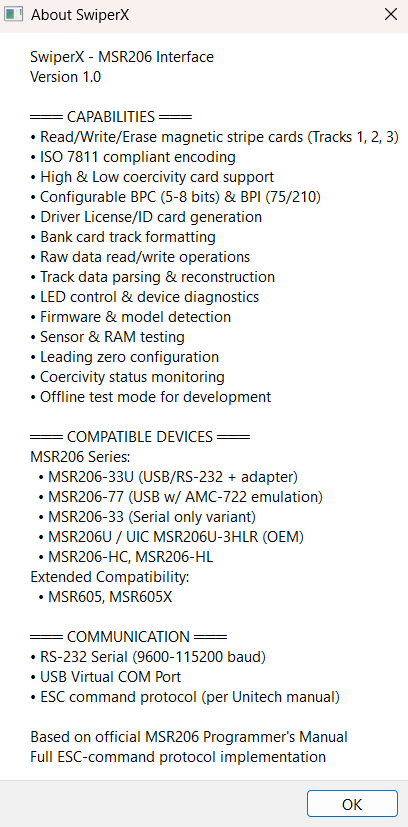
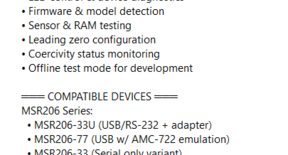 Figure 10: About SwiperX Software Interface
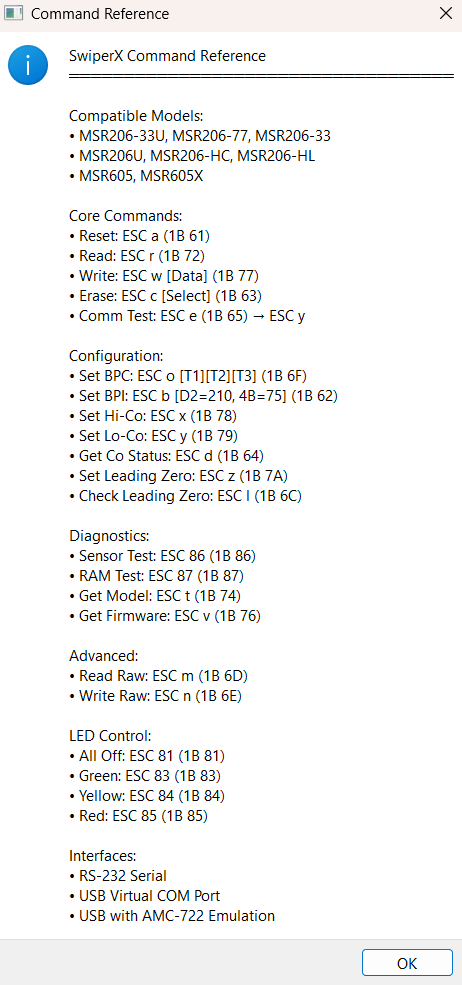
Software info dialog showing version, features, compatible devices, and technical specifications.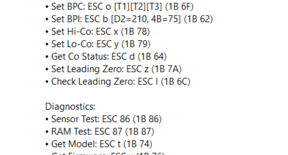 Figure 11: Command Reference
Complete ESC command protocol: core commands, configuration, diagnostics, LED controls with hex codes.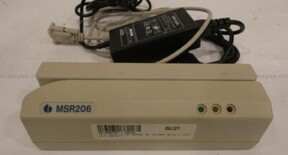 Figure 12: MSR206 Device Hardware
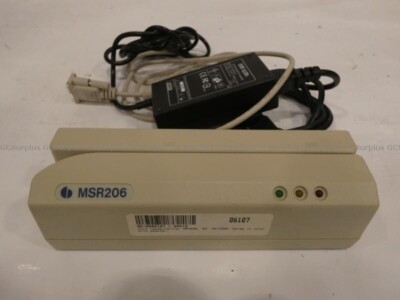
Physical MSR206 unit with cables and adapter. Note: Hardware sold separately from SwiperX software. -
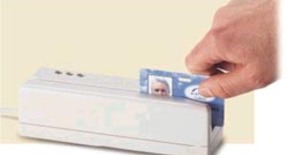 Figure 13: MSR206 Device Card Swipe
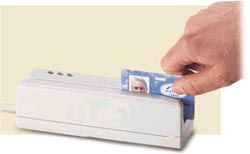
Demonstration of proper card swiping technique through MSR206 slot for successful read/write operations.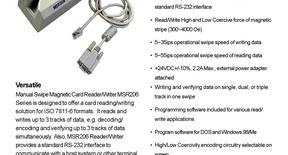 Figure 14: Details About The MSR206 Device
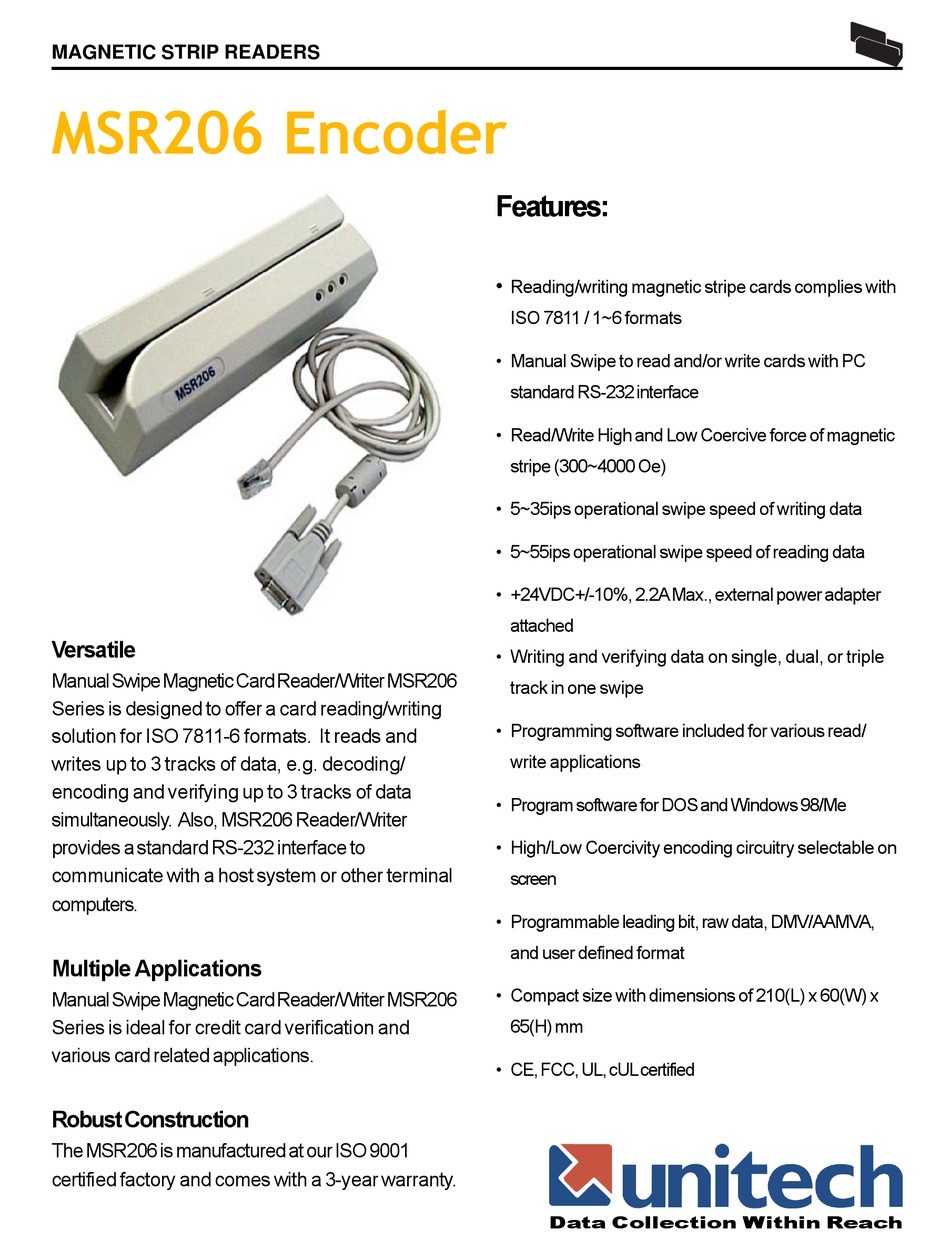
Technical specs: track configuration, encoding standards, read/write heads, supported card types, and interfaces.
Software Interface Features Summary
Professional Interface: Clean, organized interface designed for professional use with logical workflow
Comprehensive Controls: Complete access to all MSR206 hardware functions through intuitive GUI
Cross-Platform Design: Consistent interface across Windows, Linux, and macOS operating systems
Real-time Diagnostics: Live hardware status monitoring and diagnostic feedback
ISO Standards Compliance: Built-in compliance tools for professional magnetic stripe work